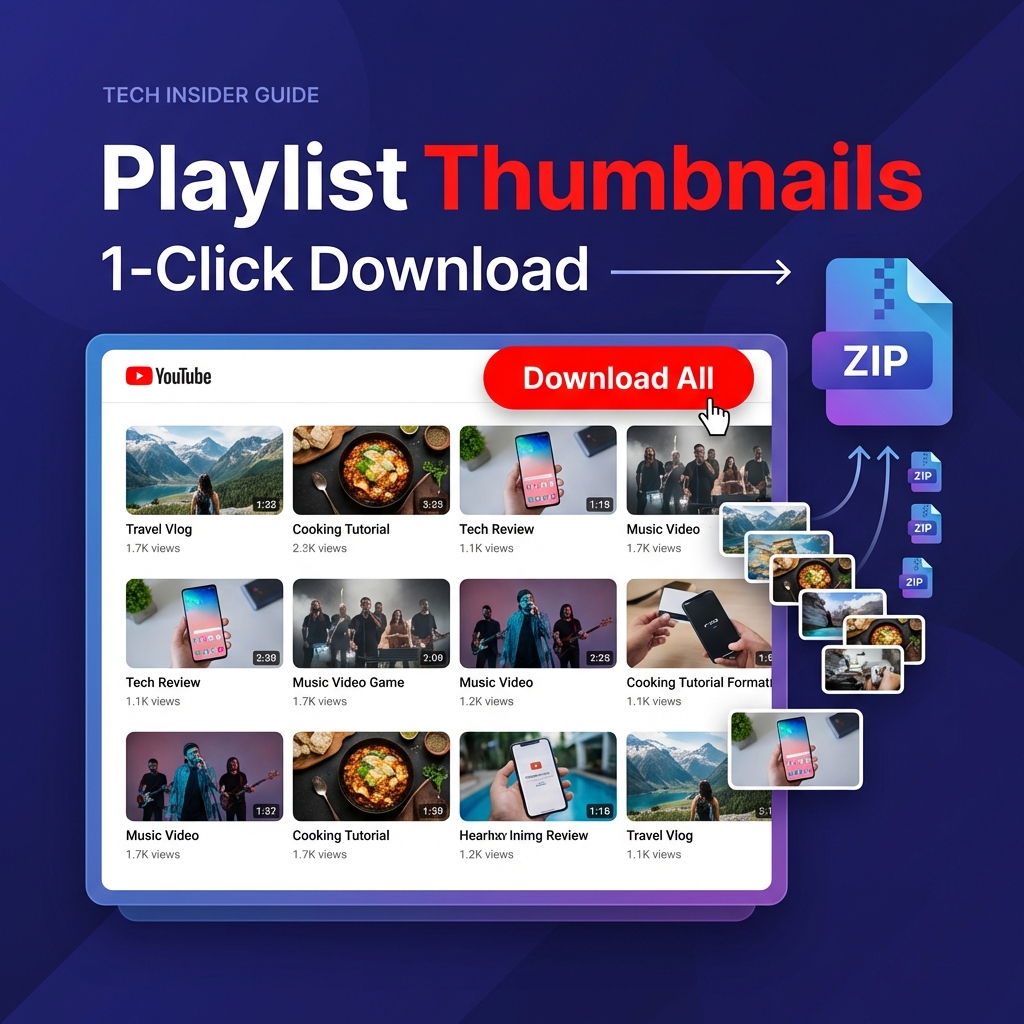
How to Download All YouTube Thumbnails from a Playlist in 1 Click
Published: January 16, 2026 | 7 min read
The Problem: Downloading Thumbnails One by One Is Painful
You've found the perfect YouTube playlist for research—50 videos with stunning thumbnails that would be perfect for your competitor analysis, design inspiration, or content library. But then reality hits: downloading each thumbnail individually means:
- Opening 50+ tabs in your browser
- Right-clicking and saving 50+ images
- Organizing and renaming 50+ files
- Wasting 30-60 minutes of your time
There has to be a better way. And there is.
The Solution: Bulk Download in 1 Click
With the right tool, you can download all thumbnails from any YouTube playlist in a single ZIP file with just one click. No browser extensions, no software installation, and 100% free.
Here's exactly how to do it.
Step-by-Step Guide: Download Playlist Thumbnails in Bulk
Step 1: Collect Your Playlist Video URLs
First, you need the URLs of all videos in your target playlist. You have two options:
Option A: Manual Copy (Small Playlists)
- Open the YouTube playlist
- Click on each video title
- Copy the URL from the address bar
- Paste into a text file
Option B: Browser Extension (Large Playlists)
For playlists with 20+ videos, use a browser extension like "YouTube Playlist Helper" or similar tools that can export all URLs at once. Simply:
- Install the extension
- Open your playlist
- Click "Export URLs"
- Copy the list
Step 2: Open the Bulk Thumbnail Downloader
Navigate to yt-thumbnail-downloader.org and click the "📦 Bulk Mode" button at the top of the page. This switches the tool from single-video mode to bulk processing mode.
Step 3: Paste Your URLs
In the text area that appears, paste all your playlist video URLs. The format should be one URL per line, like this:
https://youtube.com/watch?v=VIDEO_ID_2
https://youtu.be/VIDEO_ID_3
https://youtube.com/watch?v=VIDEO_ID_4
The tool accepts all YouTube URL formats including:
- Regular videos:
youtube.com/watch?v=... - Short URLs:
youtu.be/... - YouTube Shorts:
youtube.com/shorts/... - Live streams:
youtube.com/live/...
Step 4: Select Your Quality Preference
From the quality dropdown menu, choose your preferred thumbnail resolution:
| Quality Option | Resolution | Best For |
|---|---|---|
| Max Resolution | 1280 × 720 | Professional use, editing, printing |
| Standard Definition | 640 × 480 | Blog posts, social media |
| High Quality | 480 × 360 | Quick previews, mockups |
Pro tip: Always choose "Max Resolution" unless you're concerned about file size. You can always scale down a high-res image, but you can't upscale a low-res one without losing quality.
Step 5: Download as ZIP
Click the "Download All as ZIP" button. The tool will:
- Process each URL in your list
- Fetch the highest quality thumbnail available
- Package everything into a single ZIP file
- Automatically download it to your computer
The entire process typically takes 5-15 seconds depending on the playlist size.
Why This Method Beats Alternatives
🚀 No Software Installation
Unlike desktop apps or browser extensions that require installation and permissions, this web-based tool works instantly in any browser. No security risks, no bloatware.
⚡ True Bulk Processing
Most thumbnail downloaders still make you download one at a time. This tool processes dozens of videos simultaneously and packages them into a single ZIP file.
💯 100% Free Forever
No hidden costs, no "premium" tiers, no watermarks. The tool is completely free and will always remain that way.
🔒 Client-Side Processing
Your URLs never leave your browser. Everything is processed locally, ensuring your privacy and speed.
7 Practical Use Cases for Bulk Thumbnail Downloads
Now that you know how to bulk download thumbnails, here's why you might want to:
- Competitor Analysis - Download all thumbnails from a competitor's successful playlist to study their visual strategies, color schemes, and text placement.
- Design Inspiration Library - Build a "swipe file" of high-performing thumbnails in your niche for future reference.
- Content Audits - If you're a YouTube consultant, quickly download a client's entire thumbnail library to audit their branding consistency.
- Asset Recovery - Lost your original thumbnail files? Download them back from your own published videos.
- A/B Testing Research - Download multiple versions of thumbnails from channels that regularly test different designs.
- Educational Content - Teachers and course creators can download thumbnails from curated educational playlists for presentations.
- Blog Posts & Social Media - Quickly grab high-quality featured images for blog posts or tweets about YouTube content.
Pro Tips for Maximum Efficiency
Organize Your Downloads
After extracting your ZIP file, create a folder structure based on:
- Channel name
- Playlist topic
- Download date
This makes it easy to find specific thumbnails later.
Respect Copyright
Remember that thumbnails are copyrighted by their creators. Download them for:
- ✅ Personal research and inspiration
- ✅ Educational analysis
- ✅ Recovering your own assets
- ❌ NOT for republishing as your own
- ❌ NOT for commercial use without permission
Combine with Other Tools
For even deeper analysis, consider pairing thumbnail downloads with:
- YouTube Analytics data (views, CTR)
- Title and description extractors
- Comment sentiment analysis
Frequently Asked Questions
How many thumbnails can I download at once?
There's no hard limit, but for optimal performance, we recommend batches of 100 videos or fewer. For larger playlists, split them into multiple batches.
Do I need to create an account?
No. The tool is completely anonymous and requires no login, registration, or personal information.
What if some URLs don't work?
The tool will skip invalid URLs and continue processing the rest. You'll see a progress indicator showing how many thumbnails were successfully downloaded.
Can I download from private or unlisted playlists?
Yes, as long as you have access to view the videos. Simply copy the URLs and paste them into the tool.
Will this work on mobile devices?
Yes! The tool is fully responsive and works on smartphones and tablets, though the desktop experience is recommended for managing large batches.
Ready to Download Your First Playlist?
Stop wasting time downloading thumbnails one by one. Try the bulk downloader now and save hours of manual work.
Download Playlist Thumbnails Now →Final Thoughts
Downloading YouTube thumbnails in bulk doesn't have to be complicated or time-consuming. With the right tool and workflow, you can extract entire playlists worth of thumbnails in less than a minute.
Whether you're a content creator studying the competition, a marketer building a swipe file, or just someone who needs quick access to high-quality images, this method will save you countless hours.
Give it a try with your next playlist and experience the difference bulk downloading makes.